

What is Bloomify?
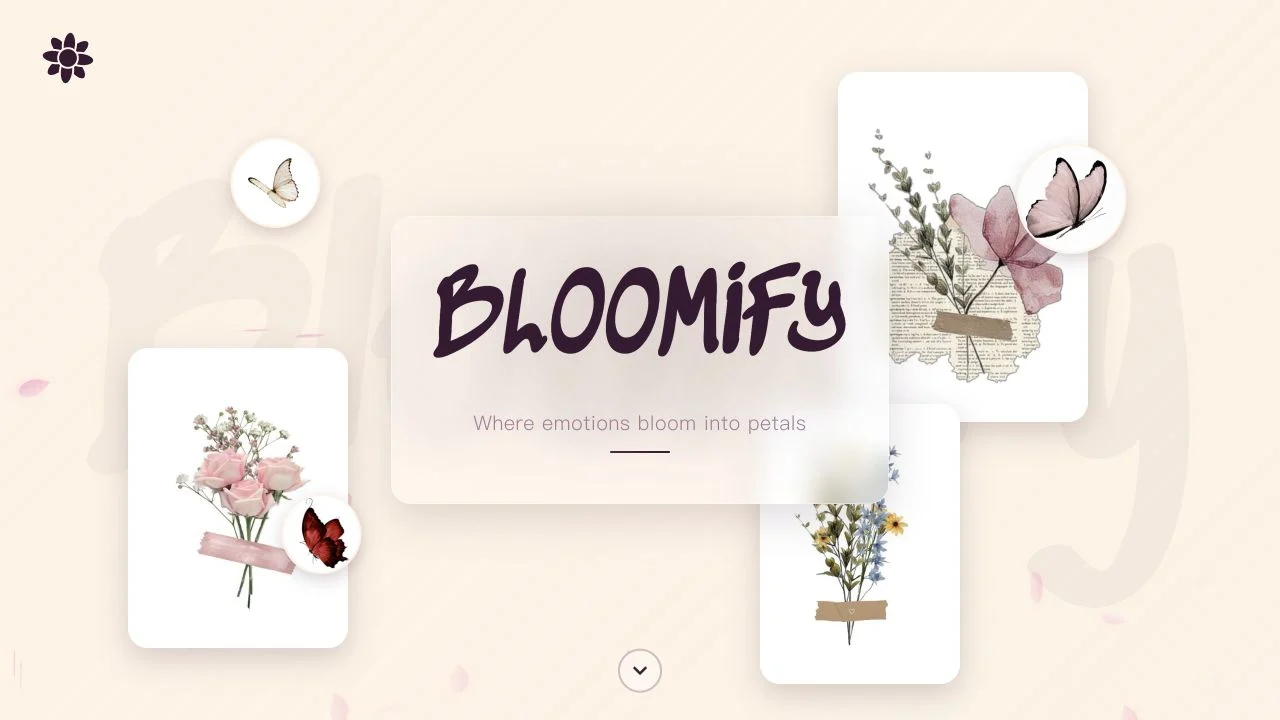
Bloomify turns a short message into a small digital gift. Instead of sending another image attachment, you put together a flower arrangement and prepare a recipient view. It is a thoughtful format for a birthday, a thank-you, or a message that deserves more space than a chat bubble.
What you can do
- Digital bouquet builder
- Flower arrangement
- Recipient message and sharing
How to get started
- Open Bloomify and choose Create a Bouquet.
- Follow the flower and arrangement choices before writing your note.
- Check the recipient preview and link before sending it yourself.
Making a bouquet feel personal
Start with the occasion and the recipient, then choose a small selection of flowers and greenery that works together. A short note tied to a specific memory will usually feel more personal than a generic greeting. Preview the arrangement and the recipient link before sharing it.
What was checked
The public landing page and Create a Bouquet entry were checked. Earlier NavSprout records describe a completed sharing flow, but AINavly has not repeated delivery or established how long a gift link is retained.
Who it suits
People making a personal digital flower gift.
Before you start
A shared gift link may be accessible to anyone who receives it. Keep private details out of the message.
Common questions
Is Bloomify a flower delivery service?
This listing is for the digital bouquet website, not physical flower delivery.
Is this the Bloomify Ashen Vercel app?
Yes. The listed address is bloomify-ashen.vercel.app; Bloomify is the displayed product name.
Sources and review scope
Public landing page checked; recipient delivery and link retention not retested.