

What is Day Pocket?
Day Pocket is arranged around a calendar rather than an endless photo feed. Pick a day, prepare a small memory packet, and return to that date later. The current page describes the collection as being for you on this device, which is an important distinction from an account-based photo backup service.
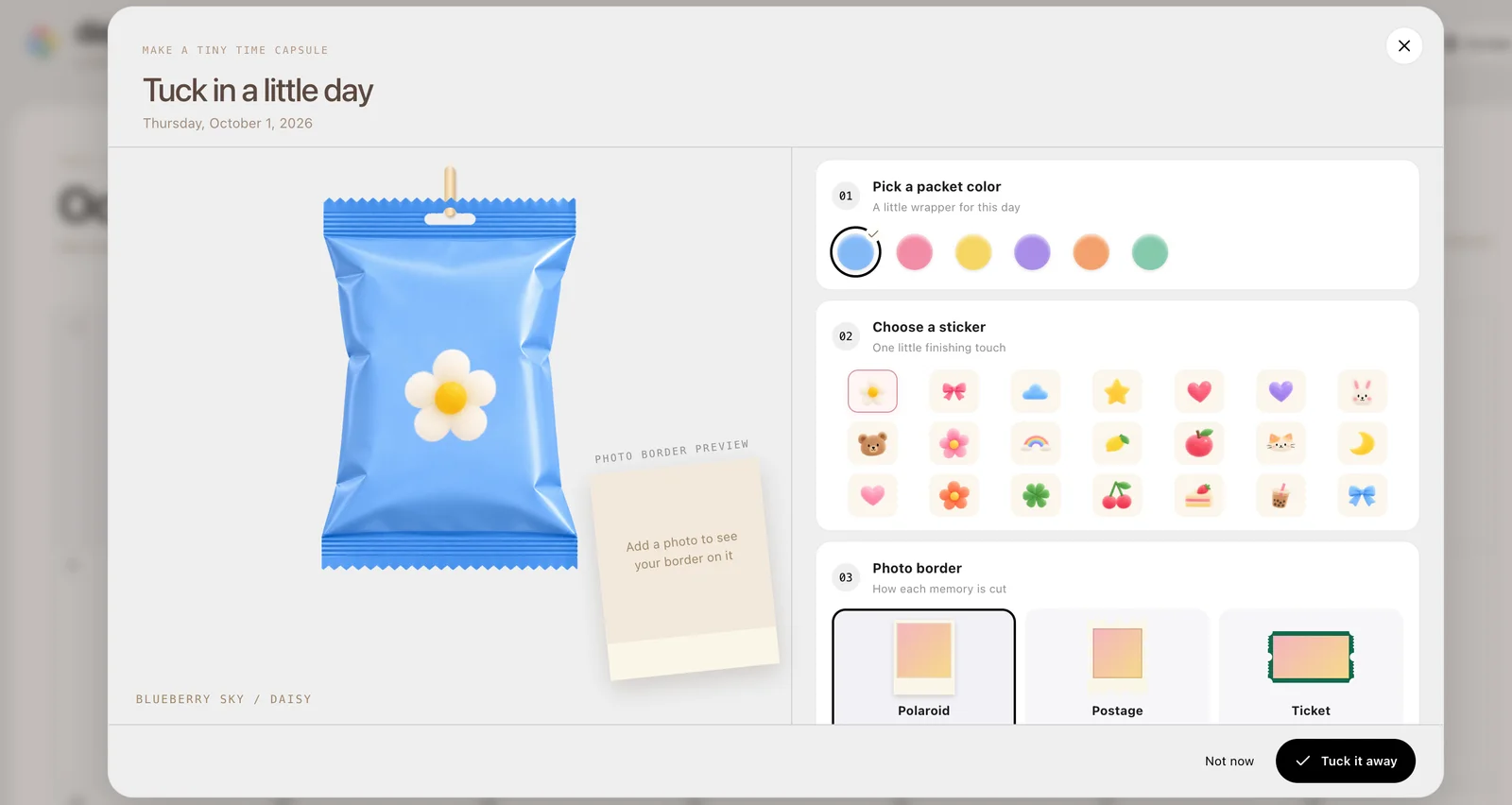
What you can do
- Dated memory calendar
- Photo keepsake packets
- Visual scrapbook format
How to get started
- Choose the date you want to remember.
- Add a memory using an image you are comfortable putting in the app.
- Keep your original photo and check whether the memory remains after returning.
Keeping a useful daily photo record
Choose a small set of photos that tells the story of a day, then use a short note to preserve the context the images cannot show. Before storing important memories, check how the current app retains information on your device and whether it offers a usable export or backup method.
Check what keeping a memory means
Before relying on a browser app, understand whether content survives a refresh, a browser change, or clearing site data. Keep originals independently.
Who it suits
People keeping an occasional photo diary.
Before you start
Do not use it as the only copy of an important photograph. Browser storage and moving between devices deserve a separate check.
Common questions
Is this DayPocket Replit App?
Yes. The visible product is Day Pocket at daypocket.replit.app.
Will the same memories appear on another device?
The public interface says “on this device.” AINavly has not verified account sync or cross-device recovery.
Sources and review scope
Current calendar and on-device wording checked; saving and recovery not retested.